
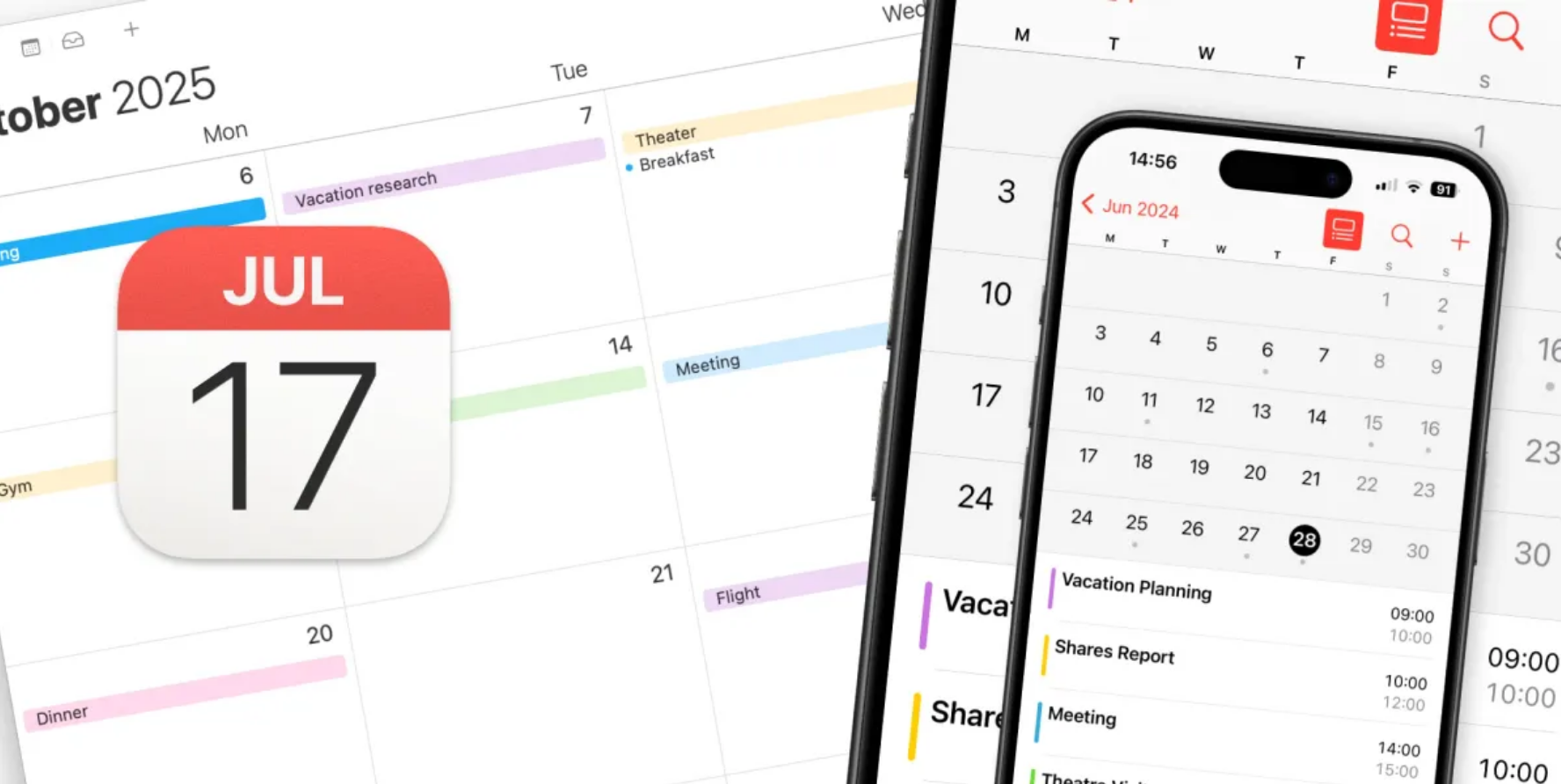
Apple Intelligence continues to prove its practical value with a remarkably useful feature that transforms how we schedule events. While often compared to more advanced AI systems, Apple’s solution excels at specific, everyday tasks that save users significant time. One standout capability allows you to create calendar events directly from images using Visual Intelligence. This feature eliminates the tedious process of manually transferring event details from posters, flyers, or digital announcements into your calendar.
How to Create Events Using Your Camera
The process begins by accessing Visual Intelligence through a long press of the Camera Control on your iPhone’s edge. Alternatively, you can use a pre-configured Control Center shortcut or Action Button. Once activated, simply frame the event details within your camera’s viewfinder. You then have two options: capture the image first and work from your photos, or immediately tap the “Add to Calendar” button to skip directly to event creation. The system automatically scans and extracts all relevant text information, including dates, times, and event titles.
Creating Events From Screenshots and Existing Images
For digital events found online or in messages, the process is even more streamlined. Take a screenshot of the event information as you normally would, then open the image in your Photos app. Look for the Visual Intelligence icon that appears, tap it, and select the “Add to Calendar” option from the available actions. The system will instantly parse the text from your screenshot and populate a new calendar event with the extracted details. This method works exceptionally well for eventbrite confirmations, social media announcements, and digital invitations.
Apple Intelligence: Editing and Finalizing Your Event
Before confirming, Apple Intelligence provides a comprehensive editing screen where you can review all automatically detected information. Here, you can correct any misinterpreted details, add missing information, or modify the event description. The original image used to create the event remains attached at the bottom for future reference. This ensures you always have visual context for your scheduled activities while maintaining accurate digital records.
This feature demonstrates how Apple Intelligence focuses on practical problem-solving rather than flashy demonstrations. By seamlessly bridging the physical and digital worlds, it transforms how we interact with event information in our daily lives.
Explore Steaktek for more Updates.

